Open every search in a new tab on your phone
Want to run a new search without losing the page you are reading? Install our smart Firefox for Android add-on and open each search in a fresh tab — just type @tab and your query in the address bar.

How does it work?
Here is how it works

Tap the address bar and type the short command @tab followed by your search query
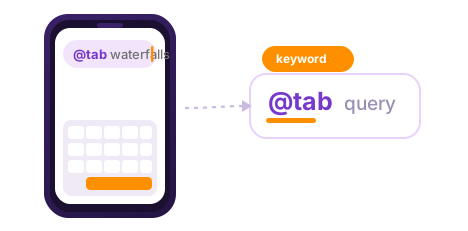
Pick a result from the suggestions with a single tap
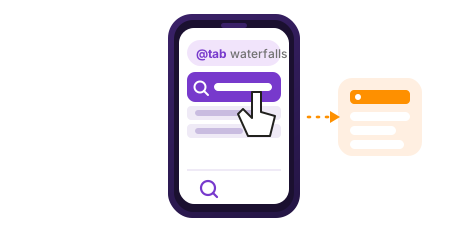
Your search opens in a fresh tab, while the page you were on stays exactly where it was